Monte Carlo Path Tracer & Caustics Photon Mapping
Welcome one and all to the land of esoteric rendering methods. Step right up and behold the greatest (in my opinion) rendering method in all of computer graphics! You may have seen the heart pounding speed of rasterization. You may have gazed upon the mirror halls of Whitted ray tracing. But have you peered into the abyss of the random?"⚠️ Disclaimer: Please imagine me in a ringmaster hat twirling a cane between my knuckles. It’s kinda the only thing I was thinking about when writing this section. ꉂ(˵˃ ᗜ ˂˵)
BEHOLD! The Monte Carlo method! We will not trace one path, but legions of paths!
How it Works
Now that the ringmaster hat is off, we can get to brass tacks. I am by no means a computer graphics expert - just a student who enjoys it and has taken a graduate course at USC on the subject. I’ll provide a quick ELI5 (Explain Like I’m 5 Years Old) for a couple of the concepts used here.
Monte Carlo Path Tracing
The standard educational ray tracer (Whitted model) just hits an object, samples light, and evaluates color. However, this basic method can’t get global illumination or soft shadows because it is missing the integration of light over a hemisphere from the Rendering Equation.
So, to solve this, we approximate it by going gambling! The Monte Carlo Path Tracing (MCPT) algorithm approximates the rendering equation, L_o=L_e+∫ΩLi⋅fr⋅cos θ⋅dω, by recursively shooting off many samples when a ray hits an object, and then it adds up all the light those samples discover.
Caustic Photon Mapping
While Monte Carlo Path Tracing is unbiased, it doesn’t easily discover all light paths. To solve this, we use Photon Mapping to discover the light as it moves from reflecting or refracting surfaces onto diffuse surfaces.
Here is how the algorithm works:
- Shoot LOTS of photons (for example, 100,000) from a light source.
- Log where they hit and how they hit inside a K-D tree.
- When you do a Cast_Ray, do a lookup to see if there are many photons near you.
Brief Rant About Parallelism and Speedups
This is an offline rendering algorithm, meaning it takes a long time to compute, though you can make it online with temporal tricks! Originally, running a full HD (1920x1080) single-threaded render took upwards of 72 hours.
To fix this bottleneck, I sped up the “embarrassingly parallel” Render_Pixel() loop by utilizing C++17 and std::execution::par. This straightforward change took my render times from 72 hours at 10% CPU utilization all the way down to just 2 hours at 1000% CPU utilization (on a very toasty 40°C laptop). This also made me pull out my hair since Mac Clang refuses to honor std::execution::par despite it being almost 10 years at time of writing!
My Favorite Images!
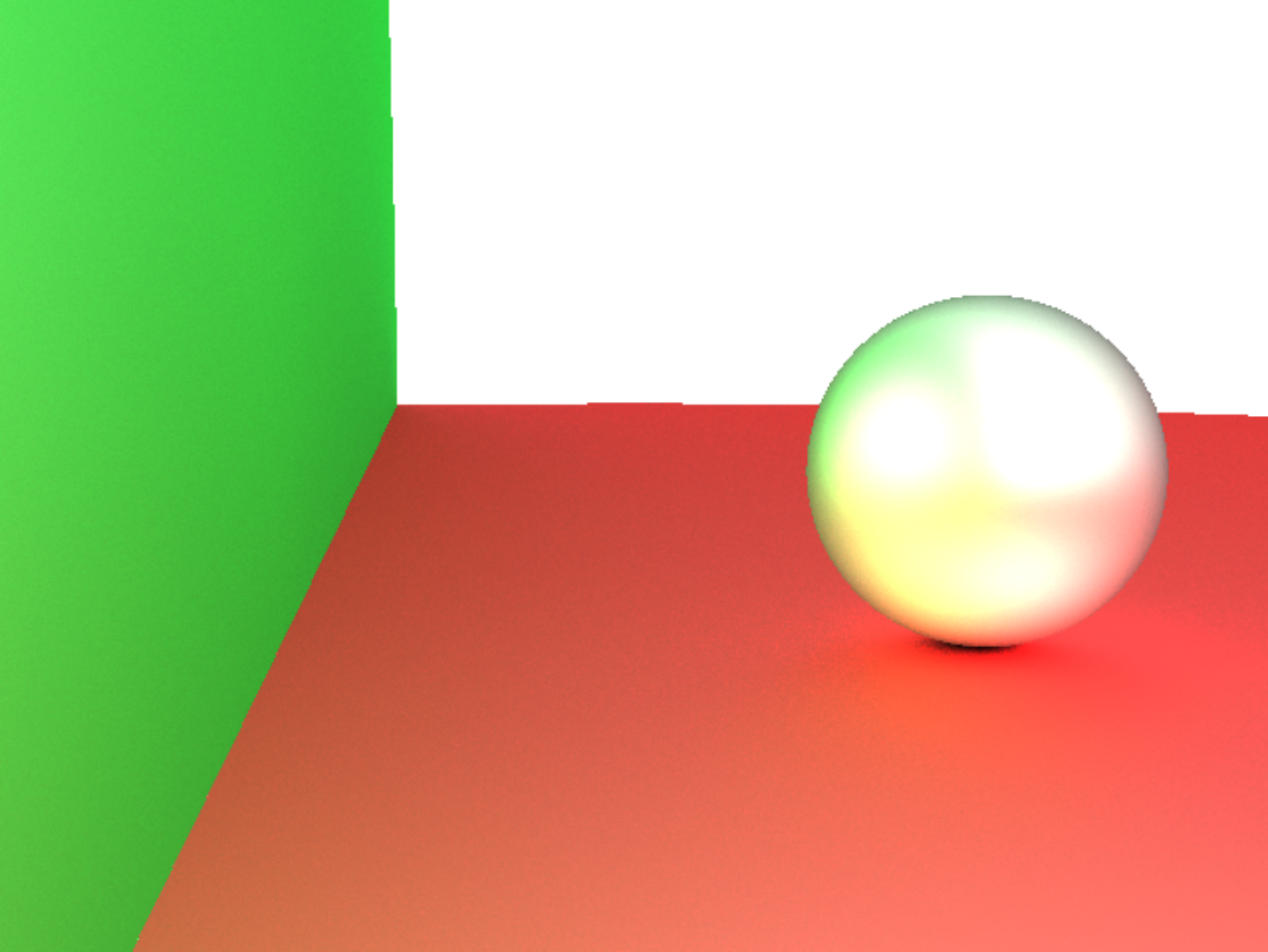
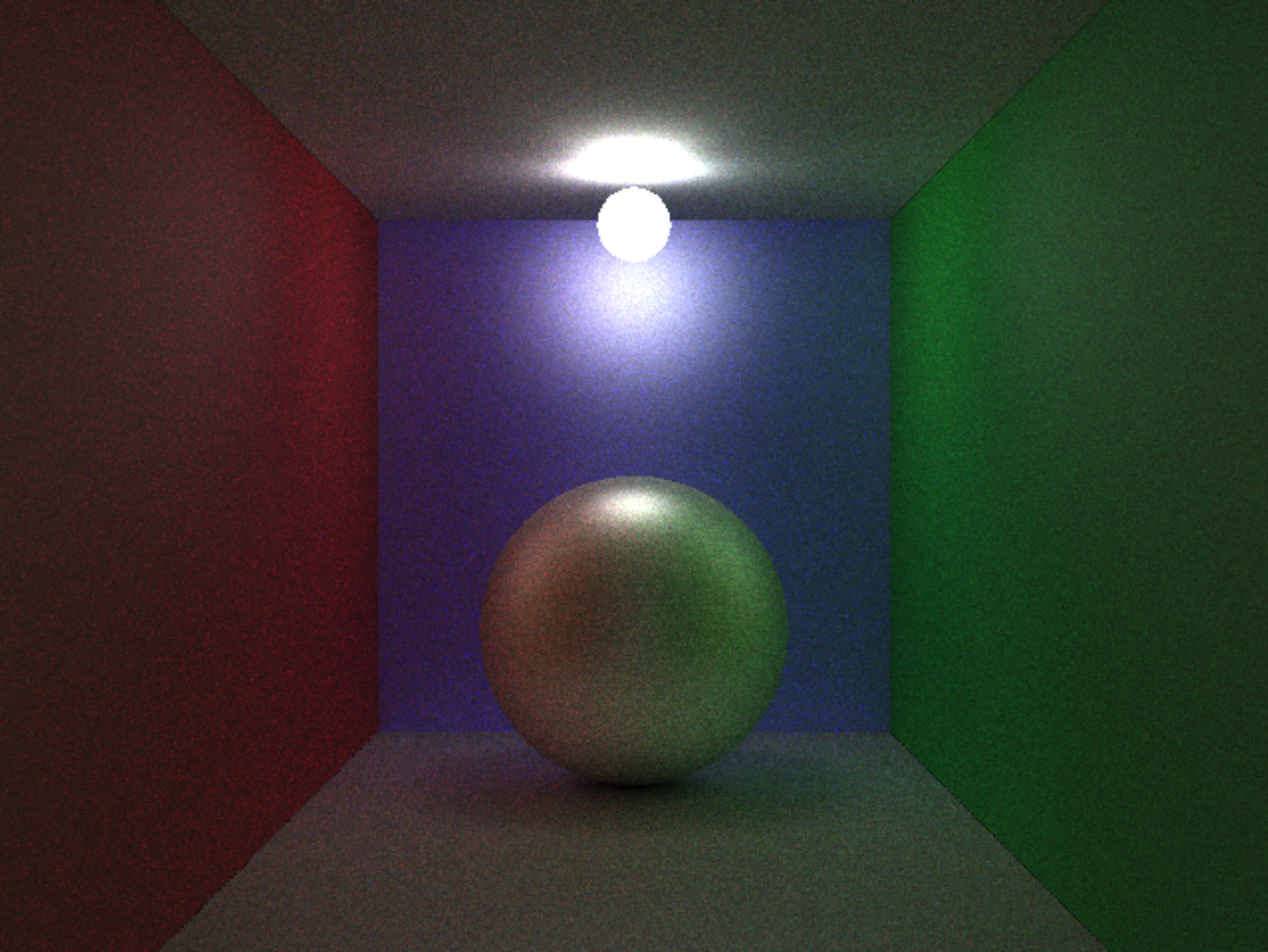
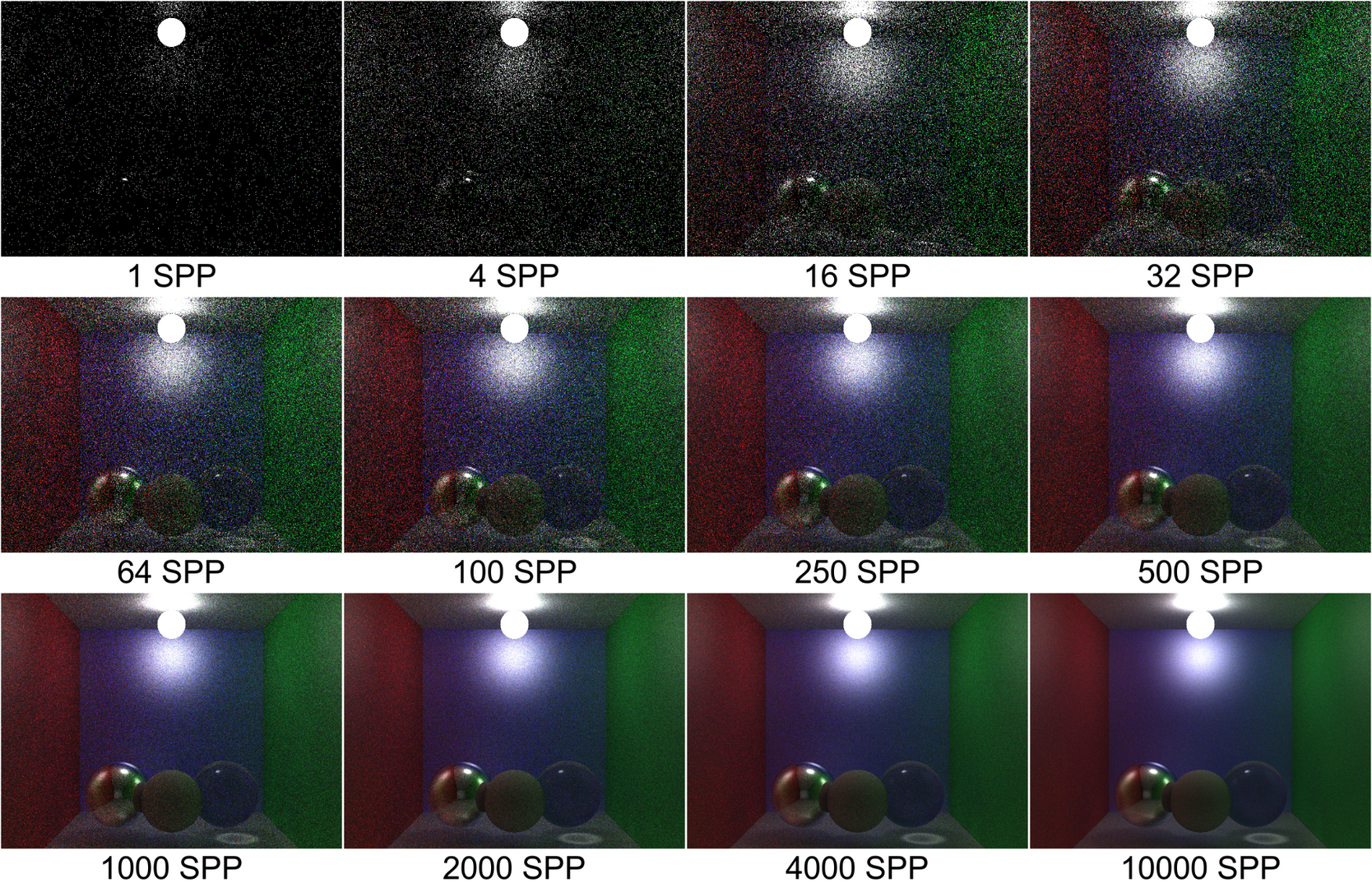
Thank you for your attention to this matter…
For those of you brave enough to subject your browser to my code (which is sandboxed, so it doesn’t actually matter) - I’ll leave you with my favorite creation so far. If you create something cool in the renderer at pathtracer.nathaniellamjohnson.com, shoot me a screenshot to my email!
### Orbital Dance ###

size 512 384
recursion_depth_limit 8
enable_shadows 1
enable_caustics 1
photon_mapping_params 90000 250 0.045
spp 24

### Colors ###
color red 0.85 0.18 0.18
color green 0.15 0.80 0.25
color blue 0.20 0.35 0.95
color white 0.82 0.82 0.82

color gold 1.00 0.82 0.25
color purple 0.65 0.30 0.95
color cyan 0.30 0.90 1.00

color dark 0.08 0.08 0.12
color light_warm 1.8 1.5 1.2
color glass_tint 0.92 0.96 1.0

### Shaders ###
phong_shader left_wall red red white 8
phong_shader right_wall blue blue white 8
phong_shader back_wall dark dark white 4

phong_shader gold_diffuse gold gold white 24
phong_shader purple_diffuse purple purple white 16
phong_shader dark_floor dark dark white 48

reflective_shader mirror dark_floor 0.92
glass_shader glass glass_tint 1.52

flat_shader ceiling light_warm 1

### Cornell-ish Room ###
plane -1 0 0 1 0 0 left_wall
plane 1 0 0 -1 0 0 right_wall

# Slightly tilted floor for more interesting reflections
plane 0 -1 0 0.0 0.985 0.17 mirror

plane 0 1 0 0 -1 0 ceiling
plane 0 0 -2.5 0 0 1 back_wall
plane 0 0 4 0 0 -1 purple_diffuse

### Central Sun ###
sphere 0.00 -0.45 0.90 0.20 gold_diffuse

### Orbit Ring 1 ###
sphere 0.55 -0.55 0.90 0.12 glass
sphere 0.00 -0.20 0.90 0.12 mirror
sphere -0.55 -0.55 0.90 0.12 glass

### Orbit Ring 2 ###
sphere 0.40 -0.62 0.35 0.11 mirror
sphere -0.40 -0.30 0.35 0.11 glass
sphere 0.00 -0.05 0.35 0.11 mirror

### Orbit Ring 3 ###
sphere 0.65 -0.48 -0.30 0.10 glass
sphere -0.65 -0.48 -0.30 0.10 mirror
sphere 0.00 -0.72 -0.30 0.10 glass

### Foreground Accents ###
sphere -0.28 -0.80 1.75 0.09 purple_diffuse
sphere 0.32 -0.80 1.55 0.09 gold_diffuse

### Lighting ###
point_light 0.00 0.88 -0.20 light_warm 4.5
ambient_light white 0.008

### Camera ###
camera 0 0 3.2 0 -0.42 0.65 0 -1 0 42